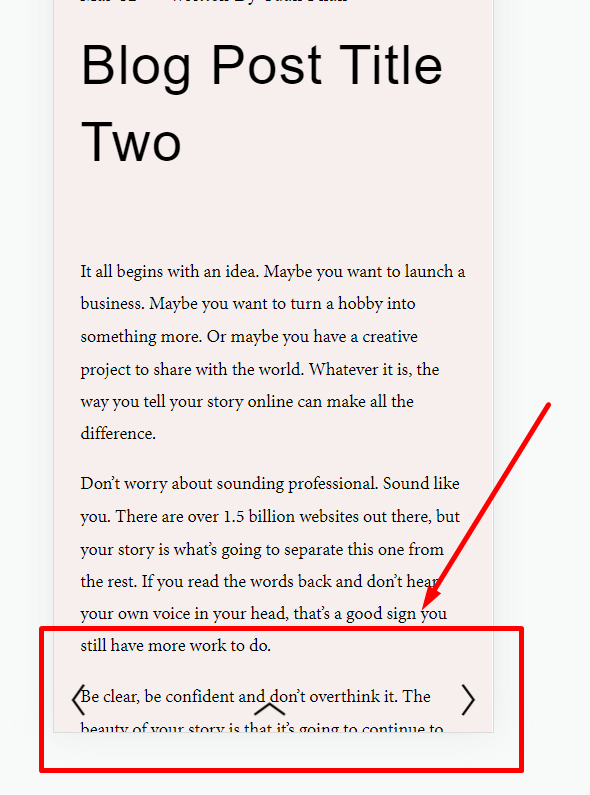
Description: Replace Pagination with 3 Arrows
- Left Arrow: Previous Post
- Right Arrow: Next Post
- Middle Arrow: Back to top
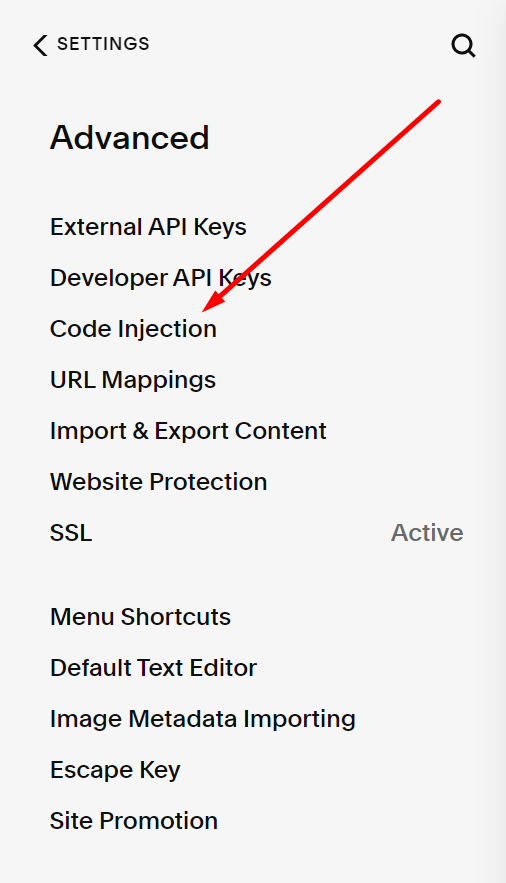
First, add this code to Settings > Advanced > Code Injection > Footer
<script src="https://ajax.googleapis.com/ajax/libs/jquery/3.6.1/jquery.min.js"></script>
<script>
jQuery(document).ready(function($) {
   $('<a href="#top" class="item-pagination-icon icon icon--stroke"><svg class="caret-right-icon--small" viewBox="0 0 9 16"><polyline fill="none" stroke-miterlimit="10" points="1.6,1.2 6.5,7.9 1.6,14.7"></polyline></svg></a>').appendTo('.item-pagination[data-collection-type^="blog"]');
 });
</script>
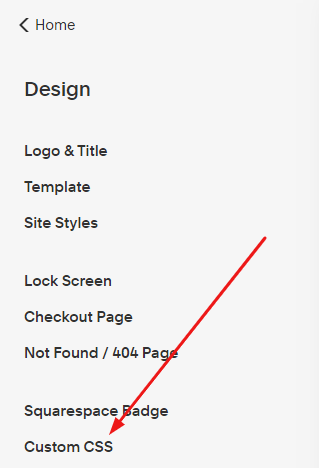
Next, add this code to Design > Custom CSS
/* Pagination Custom Style */
/* move middle arrow to between pagination */
a.item-pagination-icon[href="#top"] {
    order: 2 !important;
}
a.item-pagination-link.item-pagination-link--next {
    order: 3;
}
/* middle arrow size */
a.item-pagination-icon[href="#top"] svg {
    width: 18px;
    height: 32px;
    transform: rotate(-90deg);
}
/* hide pagination text */
.item-pagination[data-collection-type^="blog"] .pagination-title-wrapper {
    display: none;
}
/* Fixed 3 arrows at bottom of screen */
.item-pagination[data-collection-type^="blog"] [class*="--prev"] {
    position: fixed;
    left: 3vw;
    bottom: 3vw;
    z-index: 9999;
}
.item-pagination[data-collection-type^="blog"] [class*="--next"] {
    position: fixed;
    right: 3vw;
    bottom: 3vw;
    z-index: 9999;
}
.item-pagination[data-collection-type^="blog"] a[href="#top"] {
    position: fixed;
    left: 50%;
    transform: translateX(-50%);
    bottom: 3vw;
    z-index: 99999;
}